Best DAW for Beginners in 2026: Choose by Workflow
A practical beginner DAW comparison based on the computer you own, the music you want to make and the limitations that actually matter.

Short answer: GarageBand is the best beginner DAW for most people who already own a Mac. On Windows, start with Cakewalk Sonar if the budget is zero, or FL Studio Producer if beat making is the main job. If a browser, Chromebook or phone is the computer you have, start with BandLab Studio and accept its project limits. Choose Ableton Live when clip-based writing or live performance is the reason you are opening a DAW. REAPER is the budget choice for someone willing to configure more of the workflow.
Before installing anything, decide what your first song needs: recorded vocals or instruments, programmed beats, or clips you can launch live. Then check the operating system and the limits of the edition you will actually use. A free download is not much help if recording or reopening your project needs a licence you have not bought.
A digital audio workstation, or DAW, is the application where you record or import audio, program MIDI, arrange a song, mix it and export the finished file. For a first DAW, those basic jobs matter more than owning the longest feature list.
Already down to two products? The DAW comparisons hub has direct Logic Pro matchups. If paying is not an option, the free DAW comparison focuses on what you can keep using without buying a licence.
Checked September 13, 2026, against the vendor documentation linked below. Prices quoted in US dollars are US prices; regional pricing, taxes and offers can differ.
Best beginner DAW: the quick decision
| Your situation | Start here | The reason | Check before installing |
|---|---|---|---|
| You own a Mac and want the easiest first project | GarageBand | Free, approachable and has a documented path into Logic Pro | Apple-only; fewer advanced editing and routing tools |
| You only have a browser, Chromebook or phone | BandLab Studio | Free cloud recording, editing and mixing without a desktop installation | Free projects: 16 tracks and 15 minutes. Membership: 32 tracks, still 15 minutes. Internet is needed to save. |
| You use Windows and need a capable free recording DAW | Cakewalk Sonar Free Tier | Core recording, editing, mixing, saving and exporting are available without Membership | Windows 11, 16 GB RAM, and an 8-core CPU or native ARM64 processor are the published minimums. |
| You make beats and prefer patterns and a piano roll | FL Studio Producer | Pattern-based workflow, audio recording and Lifetime Free Updates for the purchased edition | Fruity Edition does not record audio |
| You build music from clips or want live performance tools | Ableton Live Intro | Session View and Arrangement View support two distinct ways of writing | Intro has 16 tracks; Stem Separation is Suite-only |
| You want a low-cost, highly configurable cross-platform DAW | REAPER | One full application, a 60-day evaluation and a qualifying $60 discounted licence | It is not permanently free and the interface expects more setup |
| You want to learn the Pro Tools environment | Pro Tools Intro | Free entry into the Pro Tools editing and session model | Up to 8 audio, 8 instrument and 8 MIDI tracks—not 8 tracks in total. |
| You already know you want Logic's deeper Mac workflow | Logic Pro | Full recording, MIDI, instruments, editing and mixing in one Mac application | Mac version is Apple-only; compare one-time purchase with Creator Studio |
Don't choose from the table by genre alone. “Hip-hop DAW” and “rock DAW” are shortcuts, not technical categories. The more useful question is whether you mainly record audio, program MIDI, improvise with clips or edit existing recordings.
What makes a DAW beginner-friendly?
For a first project, check five things: your computer meets the requirements; the edition can record the sources you need; the song fits its track and time limits; you can save and reopen it; and you can export a file to play elsewhere. Stock instruments and a clear editing layout help, but they do not cancel out a missing recording feature or an unsupported operating system.
The recommendations below are editorial choices by workflow, not measured learning-speed rankings. A guitarist who needs to record two takes has different priorities from someone programming drums on a phone. Try the small project at the end before paying.
GarageBand: best first DAW for most Mac beginners
GarageBand is the safest starting point when a Mac, iPad or iPhone is already on the desk. It costs nothing, covers audio and MIDI recording, includes Software Instruments and loops, and keeps the first session focused on tracks and regions instead of a long product decision.
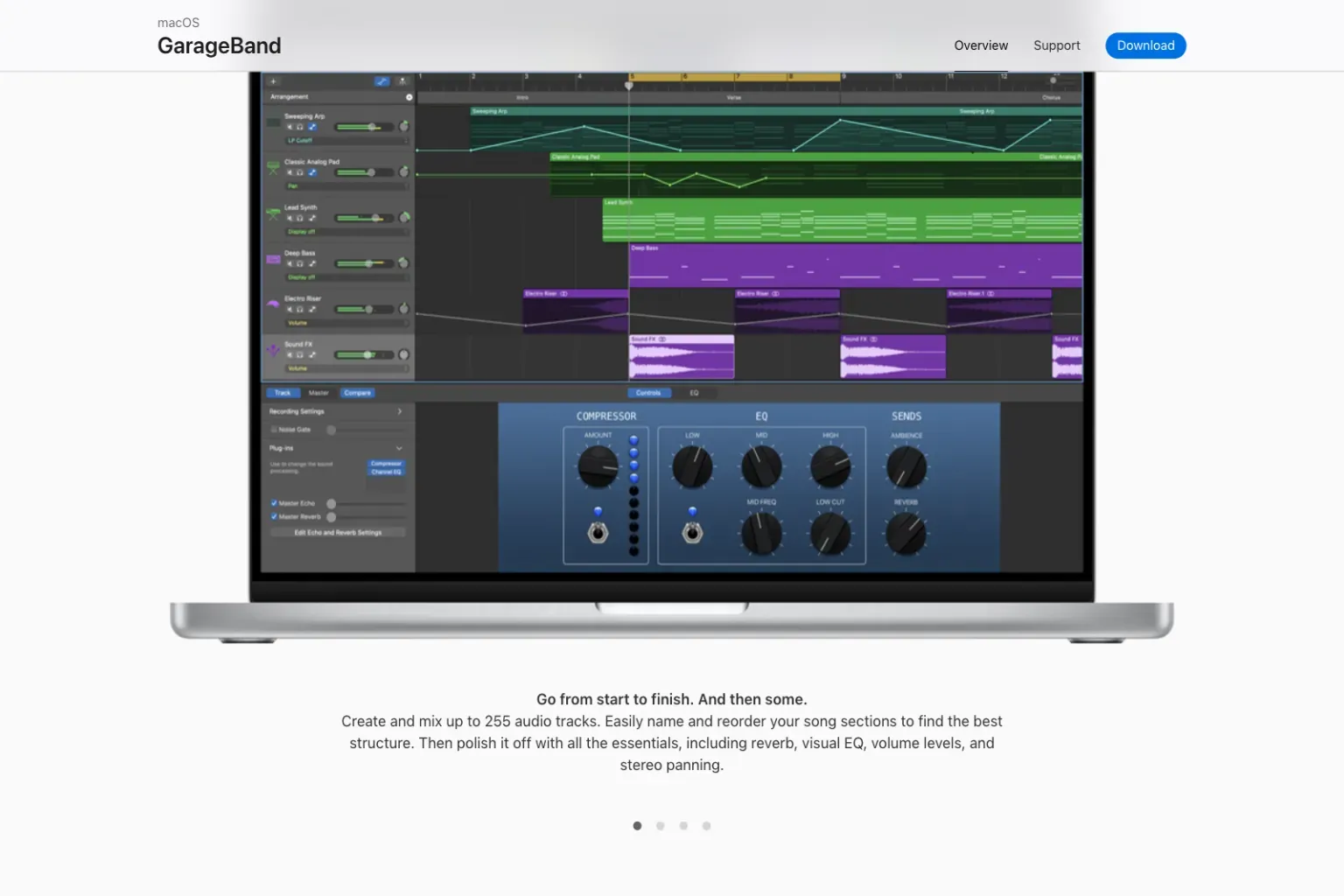
Apple documents a useful upgrade path: Logic Pro opens GarageBand projects directly. It carries over track types, tempo and key, plus mixing data and effects for Software Instrument and Apple Loops tracks. Apple’s one-to-one mapping refers to GarageBand patches, not every detail of a project. Keep the GarageBand original: the saved Logic project cannot simply be opened back in GarageBand for Mac.
Start here if the first goal is to record a vocal, guitar or keyboard, arrange a few sections and export a complete song. Move when a specific GarageBand limit blocks the work. The Logic Pro vs GarageBand comparison shows those differences without inventing a track-count threshold or a fixed timetable.
BandLab Studio: best browser and phone starting point
BandLab Studio fills a gap that desktop-only comparisons miss. It is a free, cloud-based DAW that runs in a supported web browser and in BandLab's iOS and Android apps. That makes it a practical first choice when a Chromebook, shared computer or phone is the device you can actually use.
BandLab’s track and project limits are 16 tracks on the free tier or 32 with Membership; both have a 15-minute project limit. Its supported-platform guide explains that web and mobile features differ, although projects can open on either. Count the parts in your planned song before treating the free tier as an unlimited recorder.
BandLab allows you to start a new project offline, but its offline-use instructions say an internet connection is needed to save, publish or download instruments and sounds. Confirm that the project has saved online before closing it. For regular offline work or larger multitrack recordings, compare the desktop choices below.
Logic Pro: best Mac upgrade when GarageBand becomes limiting
Logic Pro is a sensible first paid DAW for someone committed to the Mac, especially after GarageBand. The Tracks area remains familiar, while Logic adds deeper audio and MIDI editing, routing, automation, instruments, effects and delivery controls.
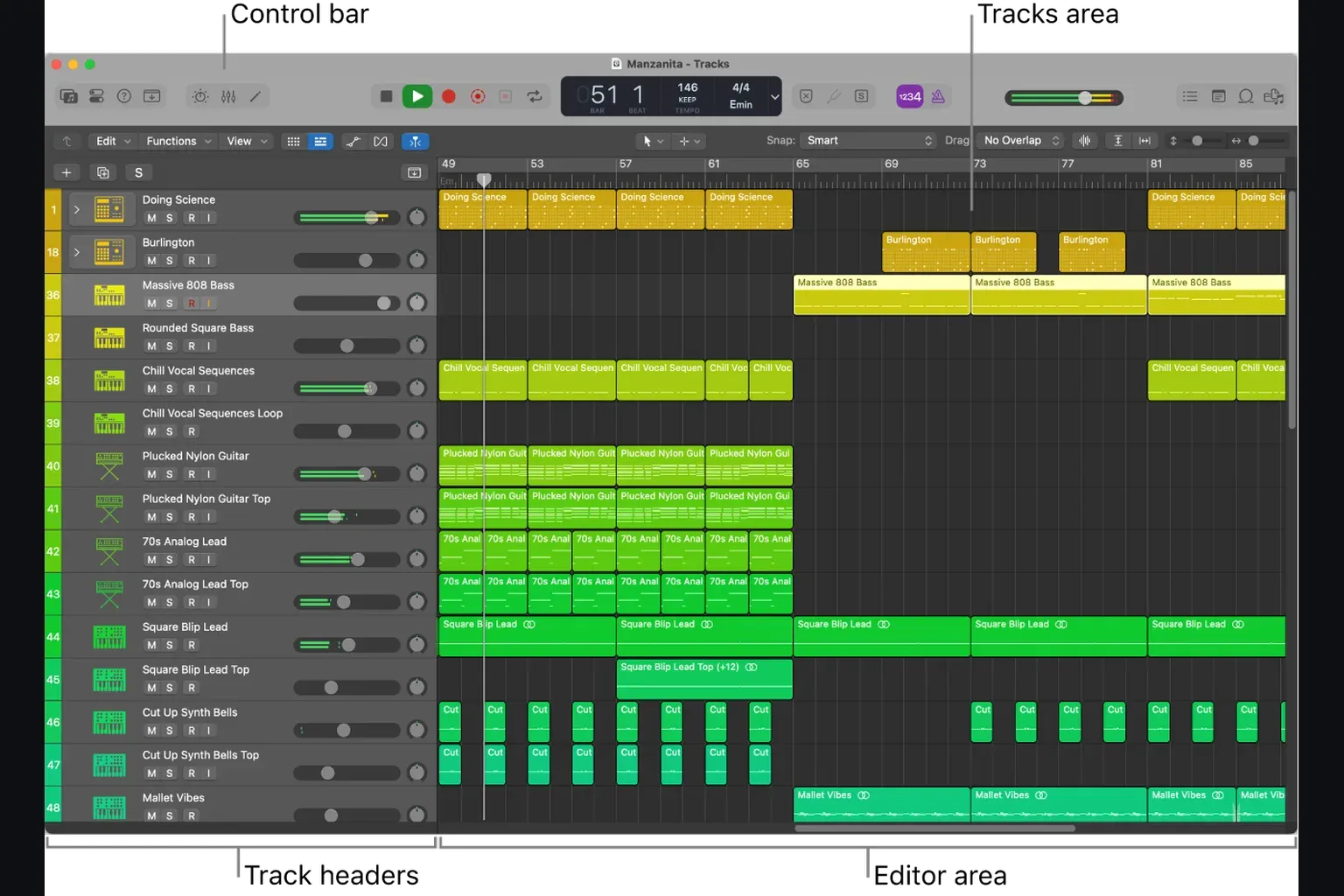
Apple currently offers the Mac app as a US$199.99 one-time purchase and Creator Studio at US$12.99 per month or US$129 per year. Creator Studio currently starts with a one-month trial for new subscribers. An eligible new Mac or iPad may show a three-month offer. The Logic Pro trial guide explains the eligibility rules, while the Logic Pro price and licence guide separates the two access models.
Choose Logic immediately only when you can name the feature or workflow you need. Otherwise, finishing one GarageBand project first is useful preparation, not wasted time. If you do start in Logic, the beginner project walkthrough keeps the first session small enough to finish.
FL Studio: best beginner DAW for pattern-based beat making
FL Studio is the clearest paid recommendation for a beginner who thinks in drum patterns, short melodic parts and Piano Roll editing. The Channel Rack makes the pattern model visible, while the Playlist turns those patterns and audio clips into an arrangement.
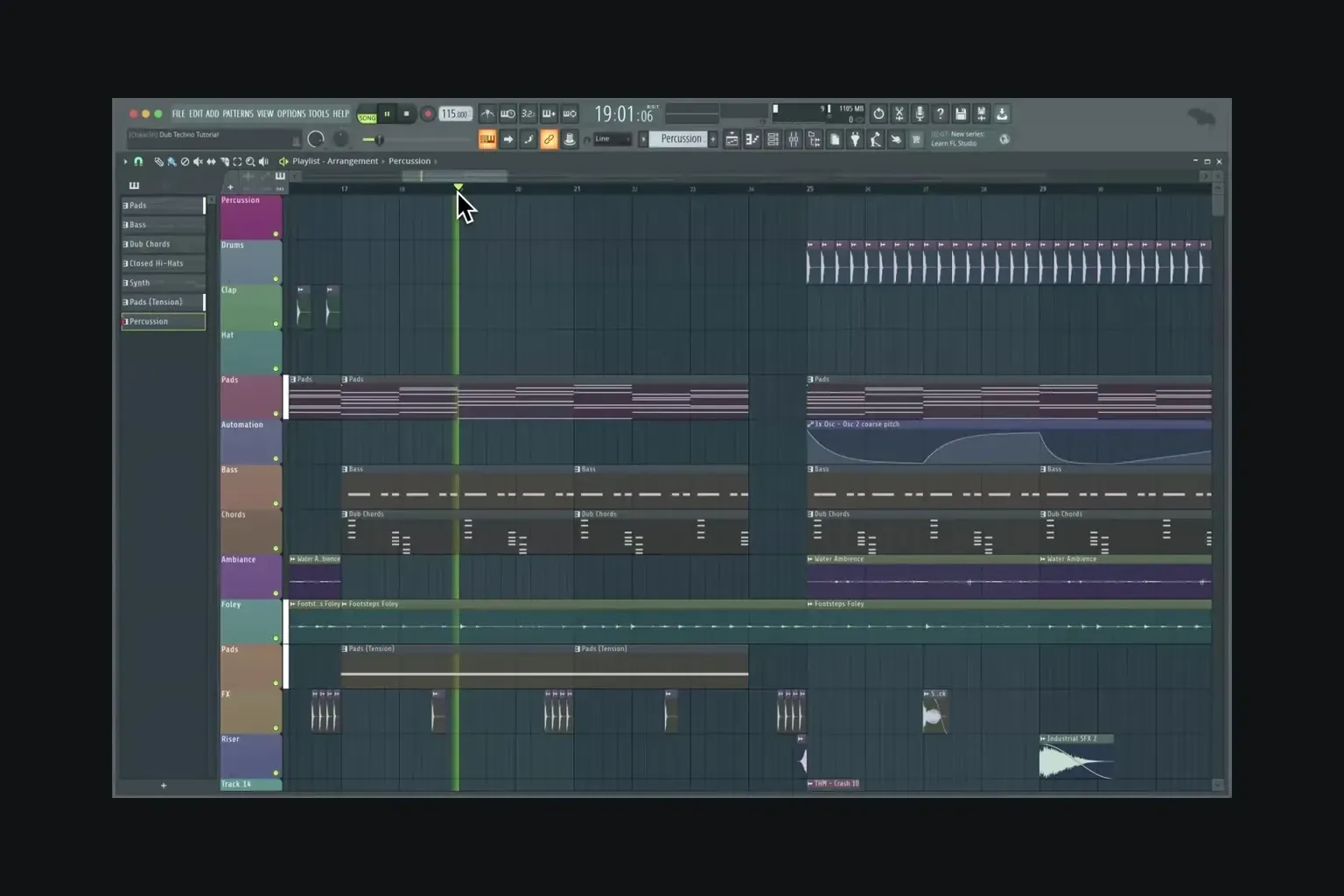
Image-Line’s trial download has no time limit and can export WAV and MP3, but you cannot reopen a saved project until you purchase FL Studio. You select which edition to try at startup. Audio recording requires Producer Edition or above; Fruity Edition is not the right purchase if you need to record vocals or guitar. The edition and trial-plugin rules also matter after purchase: plug-ins outside your licence remain trials. Keep an untouched project copy, and do not reopen and resave that copy before unlocking its trial plug-ins—their settings can be lost. Check the current regional edition prices before buying.
Image-Line's Lifetime Free Updates policy applies to future FL Studio releases for the edition you own. It doesn't mean every plug-in in a higher edition becomes free. That distinction is easy to miss in shorter comparisons.
Ableton Live: best when clips and performance are the point
Ableton Live isn't simply “the electronic-music DAW.” Its defining choice is between Session View, where clips can be launched and combined without committing to a linear order, and Arrangement View, where a song runs along a timeline. That's useful for improvisation, loop-based composition and live sets, but it also means the first mental model differs from a conventional recorder.
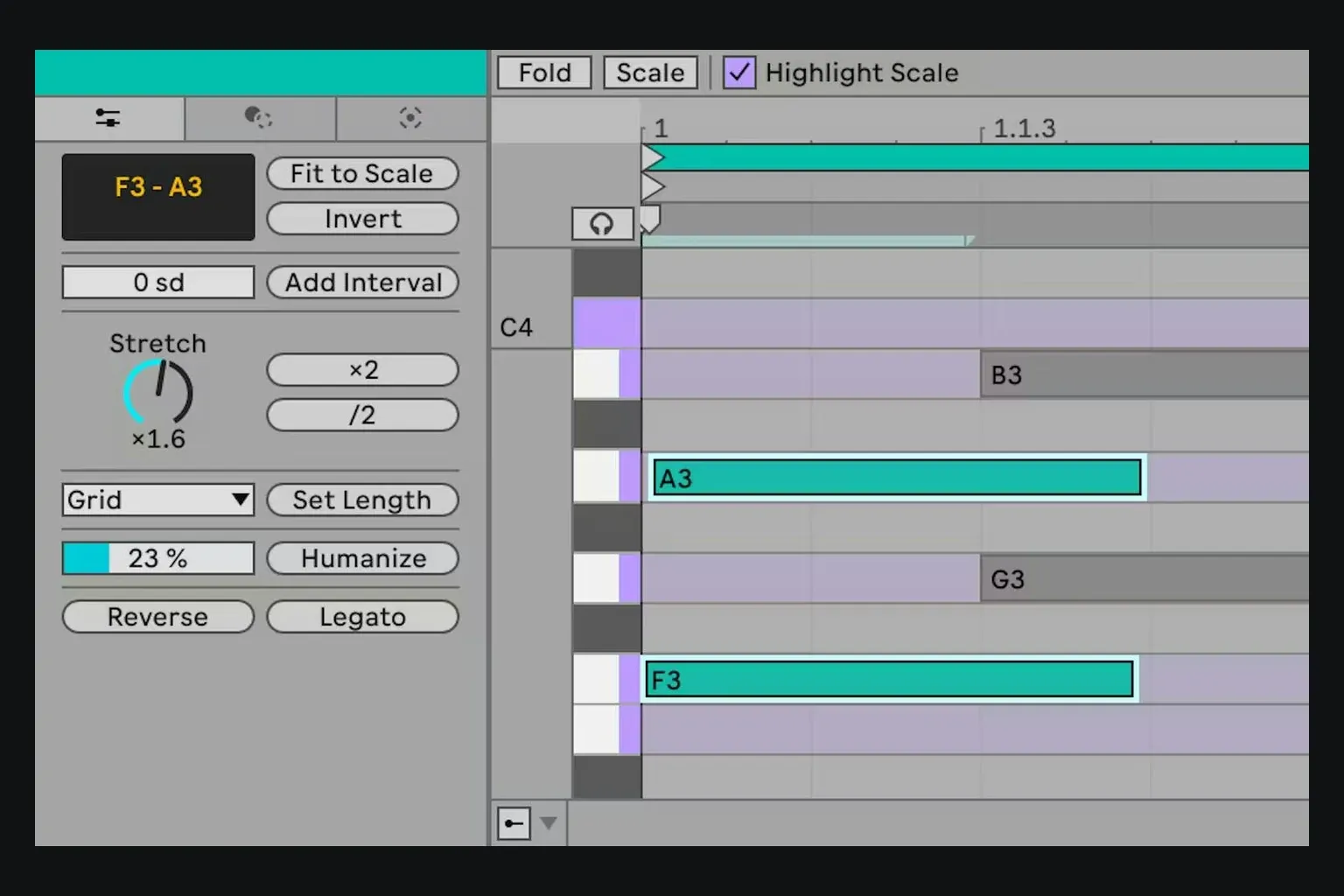
Ableton's current Live 12.4 edition comparison lists 16 audio/MIDI tracks for Intro. Standard removes that project track limit, while Suite contains the full instrument/effect collection, Max for Live and Stem Separation. Stem Separation arrived in Live 12.3 and remains Suite-only. The comparison also lists Learn View in all three editions from Live 12.4, giving a beginner structured tutorials inside the application.
Choose Live when Session View solves a real creative or performance need. If you only want a traditional timeline for recording songs, GarageBand, Logic, Sonar or REAPER may present fewer concepts on day one.
Cakewalk Sonar: best current free DAW for Windows recording
The name needs care because many current search results are stale. Cakewalk now says Cakewalk by BandLab is fully sunsetted: it is unsupported and no longer operational, including activation. The supported product is Cakewalk Sonar, which can open existing .cwp projects.
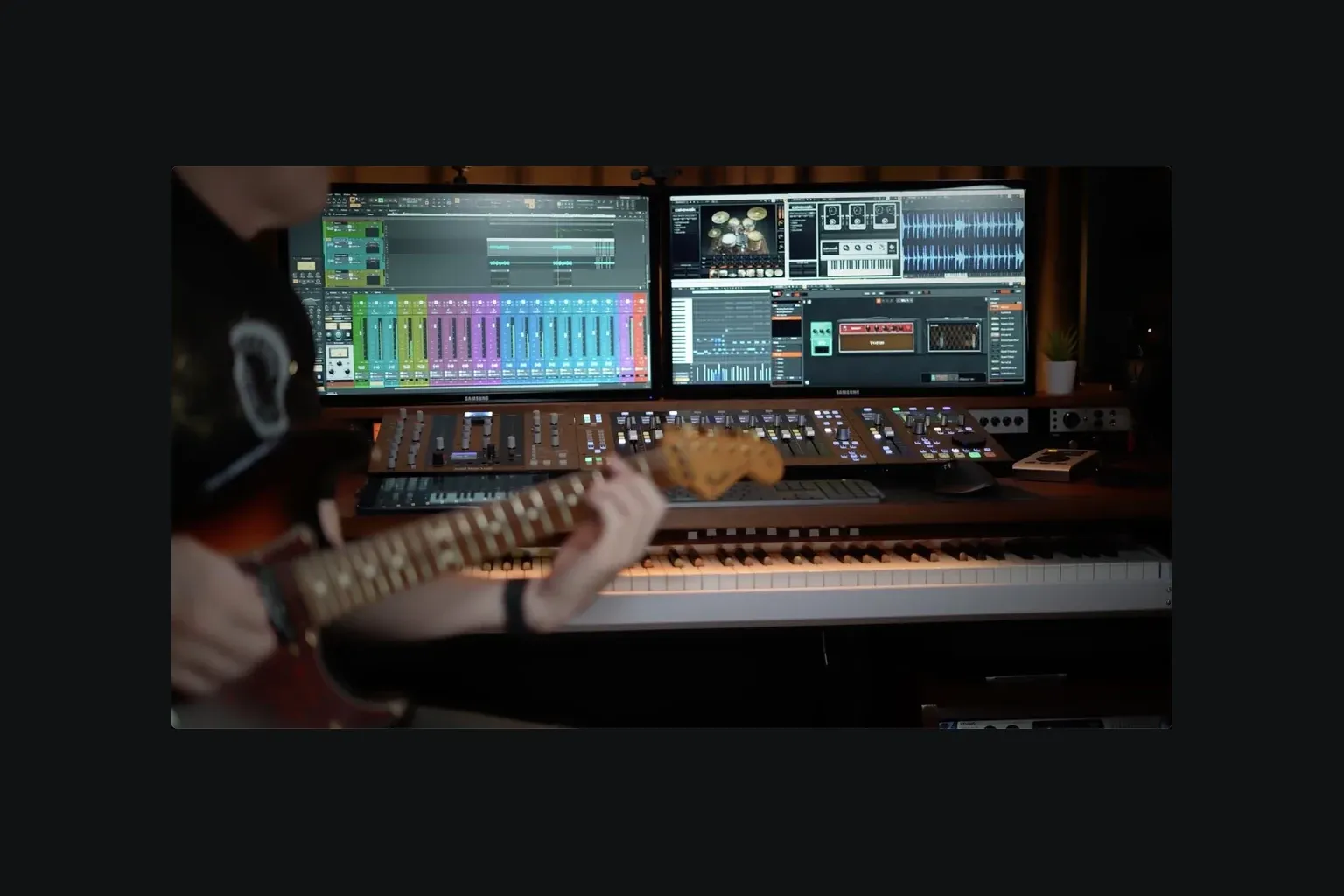
The official Free Tier comparison says the free version can record, edit, mix, save and export, with unlimited audio, MIDI and instrument tracks. It requires a free BandLab account, but not a paid Membership; Cakewalk says users can opt out of Membership during activation. Membership adds particular tools, plug-ins, content and support rather than unlocking the basic ability to finish a project.
Check the hardware before downloading. Cakewalk’s minimum requirements list Windows 11, 16 GB RAM, and an 8-core CPU or native ARM64 processor. Windows 10 can install Sonar but is not officially supported. An older Windows laptop may need a different choice even when the software costs nothing.
REAPER: best low-cost cross-platform choice
REAPER runs on Windows, macOS and Linux and puts fewer artificial product-tier boundaries in the way. It's powerful, compact and highly configurable. The same flexibility that makes it valuable later can make the first setup less guided than GarageBand or FL Studio.
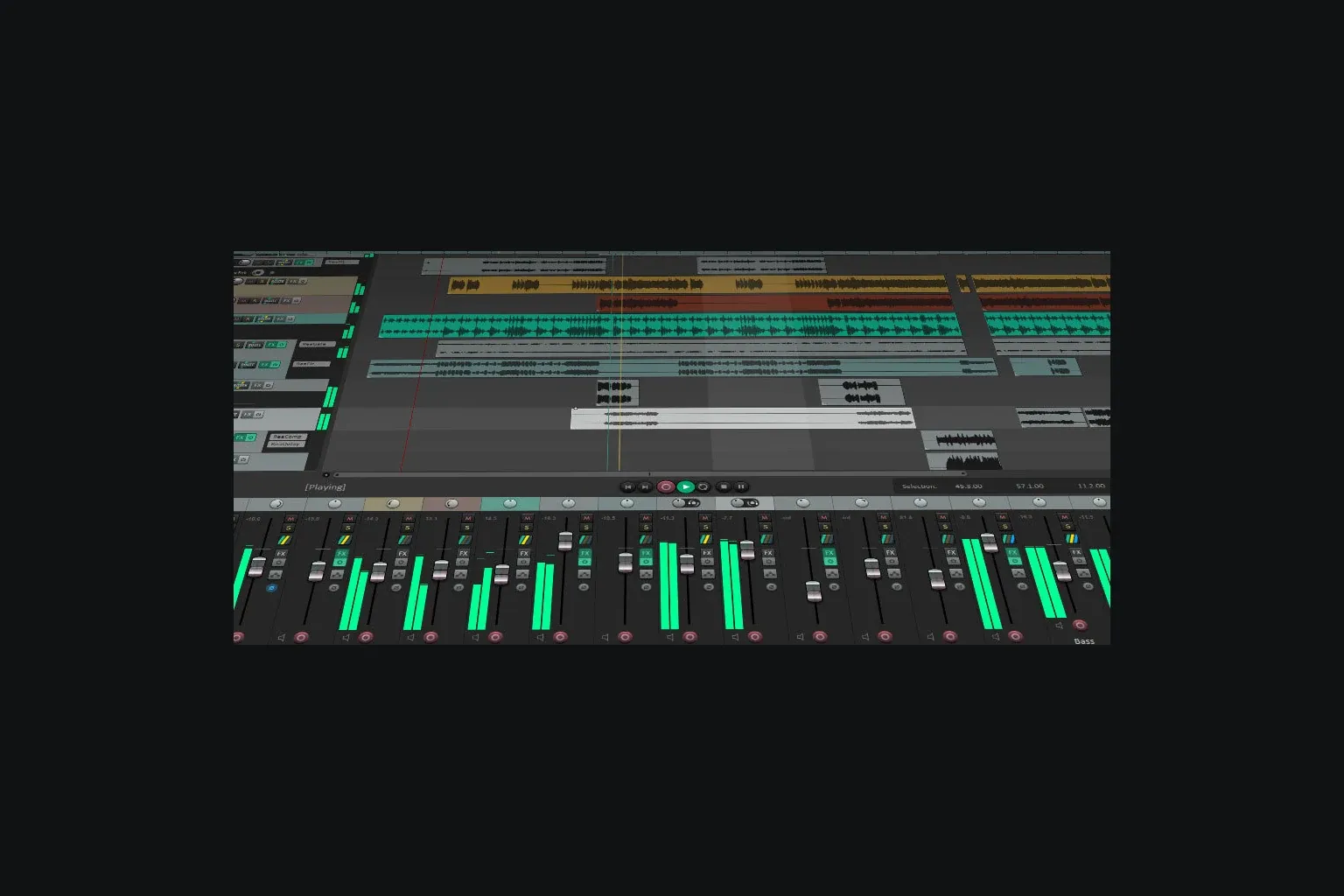
REAPER is not permanently free. Cockos lists a 60-day full-function evaluation followed by a US$60 discounted licence for personal use, educational or nonprofit organisations, or commercial users with annual gross revenue no higher than US$20,000. The commercial licence is US$225; taxes may apply. A new licence includes updates through version 8.99. Both licences give you the same application.
Choose REAPER if price, cross-platform access and routing flexibility matter more than presets and first-run hand-holding. Plan to use its official user guide or videos rather than expecting the interface to teach the workflow by itself.
Pro Tools Intro and Fender Studio Pro: when they make sense
Pro Tools Intro is a free route into the Pro Tools session and editing model. Avid’s track-limit instructions allow up to 8 audio tracks, 8 instrument tracks and 8 MIDI tracks—not 8 tracks in total. Tracks above each supported limit are ignored when opening a larger session. Keep the original intact and import the tracks you need into a new Intro session, rather than overwriting the larger project.
Fender Studio Pro isn't an unrelated new DAW. Fender's current product page says it is built on the former PreSonus Studio One platform, with a modernized interface and Fender amp and effect tools. The page presents the 8.1 feature line; maintenance build numbers can move separately. It's a credible option for guitar-focused recording and for existing Studio One users, but a beginner should compare its workflow and current regional price directly rather than relying on old Studio One articles.
Run one project before you commit
A feature list can't tell you whether a DAW's editing model will feel natural. Use a trial or free tier to finish the same small project in your two finalists:
- Create a short arrangement with an intro, main section and ending.
- Record or import one audio part and edit a mistake.
- Add one MIDI instrument and change its notes and velocity.
- Set levels and automate a volume change. If the edition supports send effects, try one; do not reject a simple starter app just because it uses a different effects layout.
- Save the project, export a stereo file and listen to it in another player. Confirm saving has finished before closing the DAW, then reopen the project if the licence allows it.
FL Studio’s trial cannot pass the reopen step until it is licensed, so export a listening copy before closing and check which plug-ins the intended edition includes. BandLab needs internet access to save. For Sonar, check the Windows version, processor and RAM before starting the test.
Once one DAW passes the test, keep using it until a specific missing capability appears. Switching because another interface looks faster in a video replaces musical progress with another round of setup. Switching because you need a feature your current licence doesn't provide is a concrete decision.
Best DAW for beginners FAQ
What is the best DAW for a complete beginner?
GarageBand is my first recommendation for a beginner who already owns a compatible Mac. For Windows recording, consider Cakewalk Sonar’s free tier if the computer meets its requirements. FL Studio suits pattern-based beat making, while BandLab works in a supported browser or on a phone. BandLab’s free tier allows 16 tracks and 15 minutes per project.
What is the best free DAW for beginners?
GarageBand is free on compatible Apple devices, Cakewalk Sonar has a free Windows tier, and BandLab has a free browser/mobile tier limited to 16 tracks and 15 minutes per project. Pro Tools Intro is a limited free route into Pro Tools. REAPER’s evaluation lasts 60 days; it is not permanently free.
Is FL Studio good for beginners?
Yes, especially for beat making and MIDI-first production. The trial has no time limit and can export audio, but saved projects cannot reopen until you buy FL Studio. Check that the purchased edition includes the plug-ins you used in the trial. Recording audio requires Producer Edition or above.
Is Logic Pro too hard for a beginner?
No, but GarageBand is a lower-risk starting point on Mac. GarageBand projects open in Logic Pro, so beginners can learn recording and arrangement first and move when they need Logic's deeper editing, routing or mixing tools.
Should a beginner choose Ableton Live or FL Studio?
Choose FL Studio if the Channel Rack, Piano Roll and pattern workflow match how you build beats. Choose Ableton Live if Session View, clip launching, live performance or nonlinear experimentation are central to the way you want to work.
Is Cakewalk still free in 2026?
Cakewalk by BandLab is fully sunsetted and cannot be reactivated. Its supported replacement, Cakewalk Sonar, has a free Windows tier that can record, edit, mix, save and export. It requires a free BandLab account, but users can opt out of paid Membership during activation.
Is REAPER a free DAW?
No. REAPER offers a 60-day full-function evaluation. Its US$60 licence covers personal use, educational and nonprofit organisations, and commercial use with annual gross revenue no higher than US$20,000. The commercial licence is US$225; taxes may apply.
Which DAW is easiest to learn?
For a first Mac recording project, I would start with GarageBand. For browser or phone access, try BandLab; for programmed beats, try FL Studio. There is no measured learning-speed winner here. Choose by device and recording needs, then test saving, editing and exporting a small song before committing.


